#The Real Reason Businesses Lose Leads
A potential customer fills your enquiry form. Your salesperson calls once, gets no answer, and moves on. Two weeks later, the same customer signs with your competitor because they followed up three times. This story repeats itself across millions of Indian businesses every day — not due to a lack of product quality, but due to inconsistent follow-up and no systematic way to track relationships.
That's exactly the gap CRM software fills.
#What Is CRM Software?
CRM stands for Customer Relationship Management. CRM software is a platform that helps businesses manage their interactions with current and potential customers. It centralises all customer information, tracks every interaction, automates follow-ups, and gives sales teams a clear picture of their pipeline at any moment.
Think of it as a shared, intelligent memory for your entire sales, marketing, and support operation.
#Core Features of a Good CRM
Contact and Lead Management
Every prospect and customer gets a complete profile — contact details, company information, all previous interactions, notes from calls, emails sent, deals in progress, and documents shared. Everyone on the team sees the same information, eliminating "I didn't know they'd already been contacted" situations.
Sales Pipeline Tracking
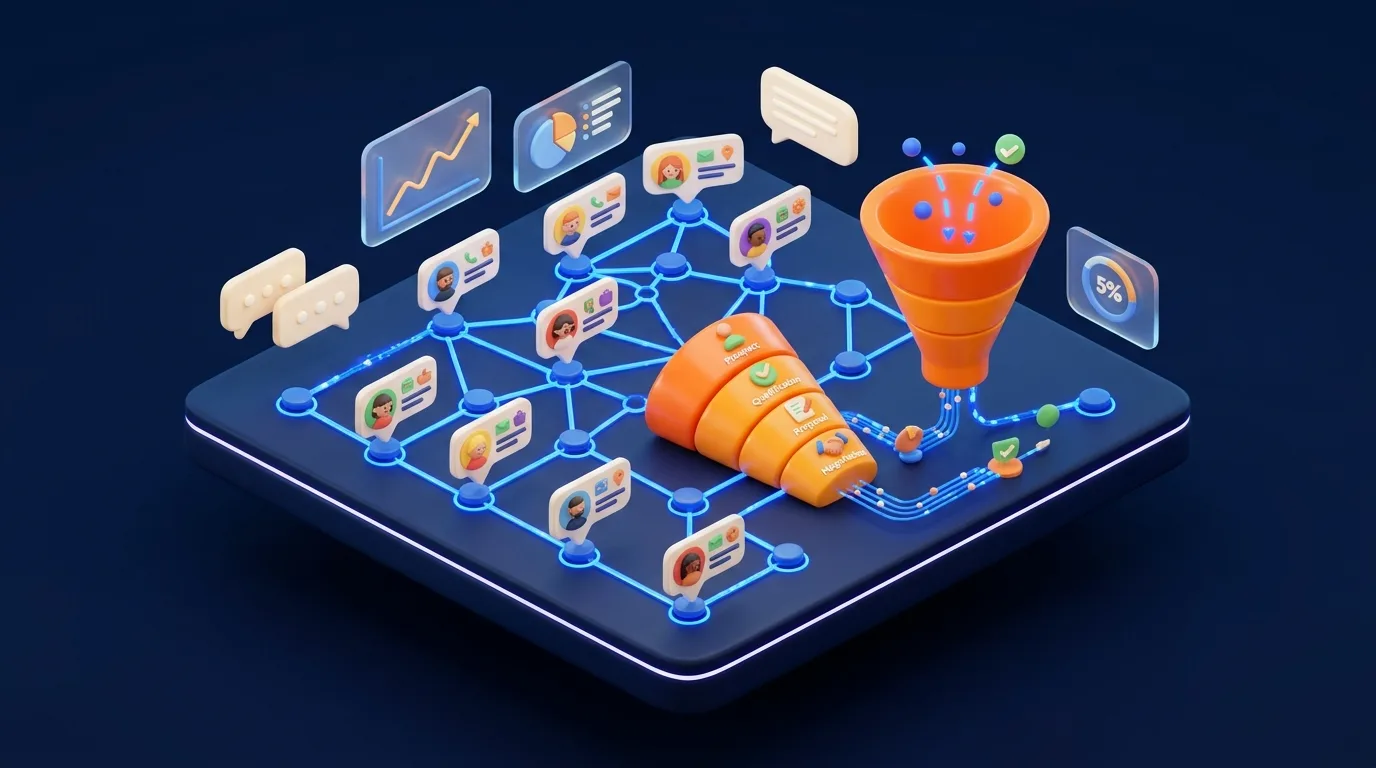
Visualise every deal as a card moving through stages — New Lead → Contacted → Proposal Sent → Negotiation → Won / Lost. At any moment, your sales manager can see how many deals are in each stage, what the total pipeline value is, and where deals are getting stuck.
Task and Activity Management
Schedule follow-up calls, set reminders, assign tasks to team members, and log every interaction automatically. The CRM reminds your salesperson to call a lead they haven't spoken to in five days — before that lead goes cold.
Email and Communication Integration
Connect your Gmail or Outlook to the CRM. Every email sent to a contact is automatically logged against their profile. No more digging through inboxes to understand conversation history.
Automated Follow-Up Sequences
Set up automated email sequences — "Thank you for enquiring" → "Here's our brochure" → "Following up on your query" — that trigger based on what the lead does. This ensures no lead ever falls through the cracks, even during busy periods.
Reporting and Analytics
How many calls did each salesperson make this week? What's the average deal close time? Which lead source converts best? Which product has the highest win rate? CRM analytics answers these questions with real data, not guesswork.
Customer Support / Ticketing
Some CRMs extend beyond sales into customer service — with support ticket management, SLA tracking, and customer satisfaction measurement. This creates a complete 360-degree view of every customer relationship.
#Types of CRM Systems
| Type | Best For | Examples |
|---|---|---|
| Operational CRM | Sales teams, lead management | Zoho CRM, HubSpot, Freshsales |
| Analytical CRM | Data-heavy businesses needing deep insights | Salesforce Analytics, SAP CRM |
| Collaborative CRM | Teams where sales, marketing, and support share data | Microsoft Dynamics, Pipedrive |
| Custom CRM | Businesses with unique workflows | Built by agencies like ShivamWeb |
#Who Benefits Most From CRM in India?
- Real estate companies: Managing hundreds of property enquiries, site visits, and follow-ups
- Coaching institutes: Admission enquiries, counselling sessions, and student conversion tracking
- Healthcare/hospitals: Patient records, appointment management, and follow-up for treatment plans
- B2B manufacturers and distributors: Complex multi-touch sales cycles with large accounts
- Law firms: Client onboarding, case tracking, and billing
- Digital agencies: Project pipeline, client communication, and renewal tracking
#CRM Best Practices for Indian Businesses
- Make data entry fast and easy — if logging a call takes 5 minutes, salespeople won't do it. Choose a CRM with quick-log features and mobile apps.
- Define your pipeline stages clearly — generic stages like "In Progress" are useless. Be specific: "Price Quoted," "Site Visit Done," "Agreement Sent."
- Set up automation before you launch — welcome emails, follow-up reminders, and stage-move notifications should be configured from day one.
- Review the pipeline every week — weekly sales pipeline reviews using CRM data create accountability and surface deal blockers early.
- Integrate with your existing tools — connect your CRM to your website enquiry form, WhatsApp (via WhatsApp Business API), and email.
Real example: A Pune-based real estate company was handling 200+ monthly enquiries across three projects in Excel. After implementing a custom CRM, they increased their conversion rate from 3% to 8.5% in four months — not by changing their sales pitch, but by following up consistently and at the right time.
#CRM Software Cost in India
| Option | Cost | Best For |
|---|---|---|
| Free tier (HubSpot, Zoho) | ₹0 | Very small teams, getting started |
| SaaS CRM (basic) | ₹800 – ₹3,000/user/month | Small to mid-size teams |
| SaaS CRM (advanced) | ₹3,000 – ₹12,000/user/month | Enterprise features, automation |
| Custom-built CRM | ₹1,50,000 – ₹8,00,000 one-time | Unique workflows, large teams, no recurring cost |
#Frequently Asked Questions
If you have more than 5–10 leads per week and a sales team of more than 2 people, the answer is almost certainly yes. CRM pays for itself quickly in recovered deals and reduced administrative overhead.
Zoho CRM is a popular choice for Indian SMBs due to its pricing, localisation, and GST features. HubSpot is excellent for marketing-heavy businesses. Freshsales is strong for telecalling-intensive sales. Custom CRM suits businesses with unique needs.
A basic SaaS CRM can be set up and usable in 1–2 days. A full custom CRM implementation with data migration, training, and integrations typically takes 4–12 weeks.
#Summary
CRM software is one of the highest-ROI investments a sales-driven Indian business can make. The businesses that win are rarely the ones with the best product alone — they're the ones who follow up consistently, know their customer deeply, and use data to improve their process. That's exactly what CRM enables.